

Stretch Blow Moulding FEA Simulation Tool
Simulate. Predict. Optimise. Without the Physical Trials.
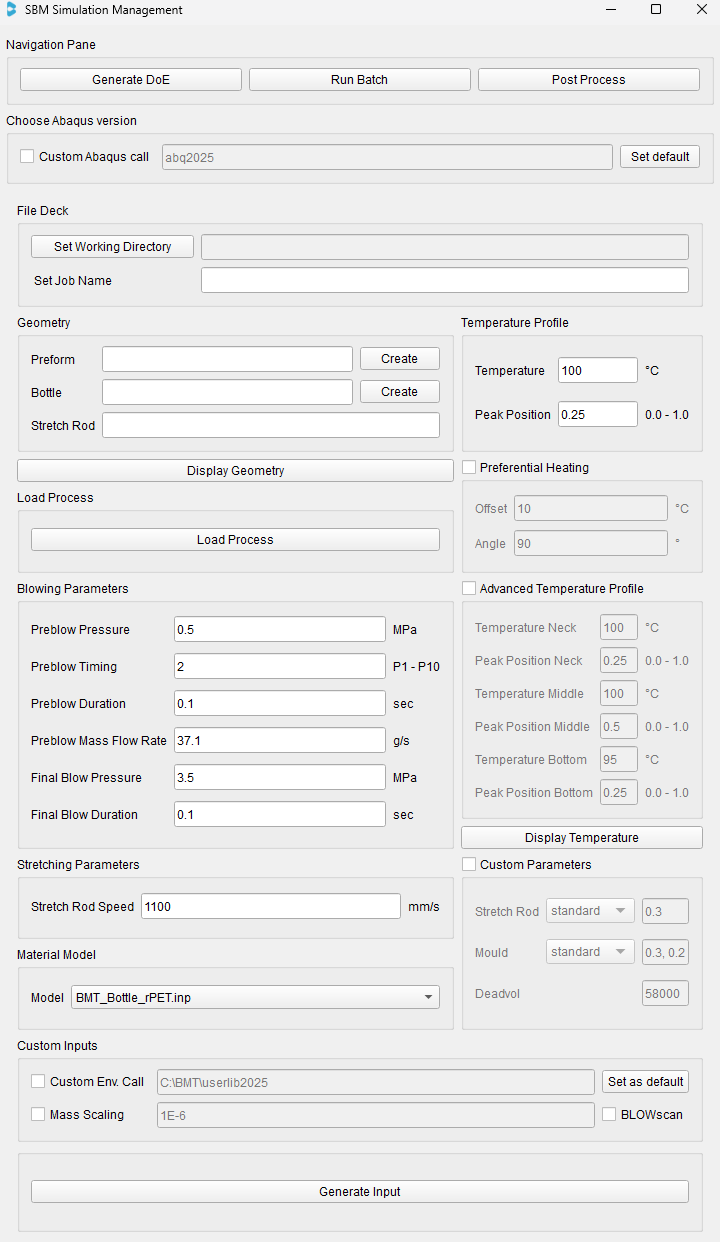
What is the SBM App
The SBM App is a stretch blow moulding simulation tool built on Abaqus finite element analysis (FEA). It shows how a PET or rPET bottle will form before a single preform is heated.
By virtually recreating the full stretch blow moulding process, the app reveals wall thickness distribution, section weight and high-stress areas. These normally take several prototype cycles to uncover. You can test lightweighting ideas, compare designs and spot problems at the CAD stage, before committing to tooling.
The result?
Faster development, fewer surprises, and bottle designs that are optimised and production-ready from day one.
Material models calibrated to your PET or rPET
The accuracy of any stretch blow moulding simulation depends on its material model. Generic or constant PET properties can look right while predicting the wrong bottle.
PETmodel is BMT's custom, temperature and rate-dependent PET and rPET material model, built for Abaqus. It is calibrated to your specific resin using real blow moulding data, so the simulation reflects how your material actually behaves.
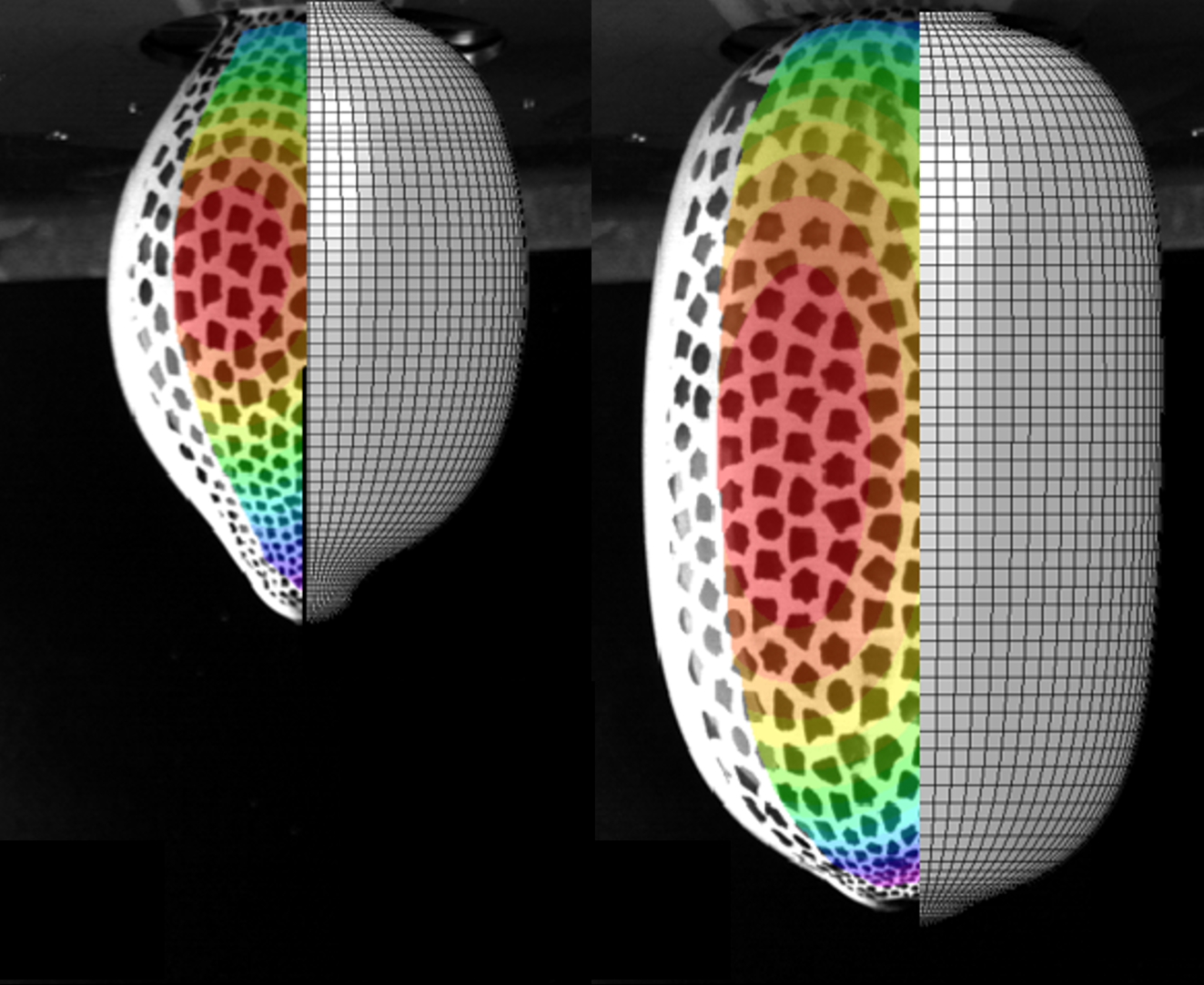
How it’s built
We blow speckle-patterned preforms on BLOWSCAN and record the deformation with 3D digital image correlation (DIC). Instrumentation on the stretch rod captures pressure and force, and biaxial tensile testing adds further data. PETmodel is then calibrated against it to capture the effects of temperature, strain rate, strain hardening and processing history.
Why engineering teams use the SBM App
Rapid Setup

Generate hundreds of stretch blow moulding simulations within minutes using built-in design of experiments (DOE).
Insights into your process
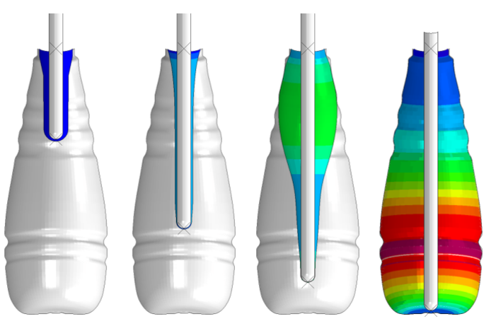
Results are processed automatically. Extract thickness and weight distributions, modulus and stretch ratios.
Fewer physical trials

Replace repeated prototype and tooling cycles with virtual iterations, then validate the final candidate with BMT's SMART Prototyping.
Set up, run and analyse in one interface
The app builds the Abaqus models, submits the jobs and processes the results, so engineers spend time on design decisions, not model preparation.
Geometry
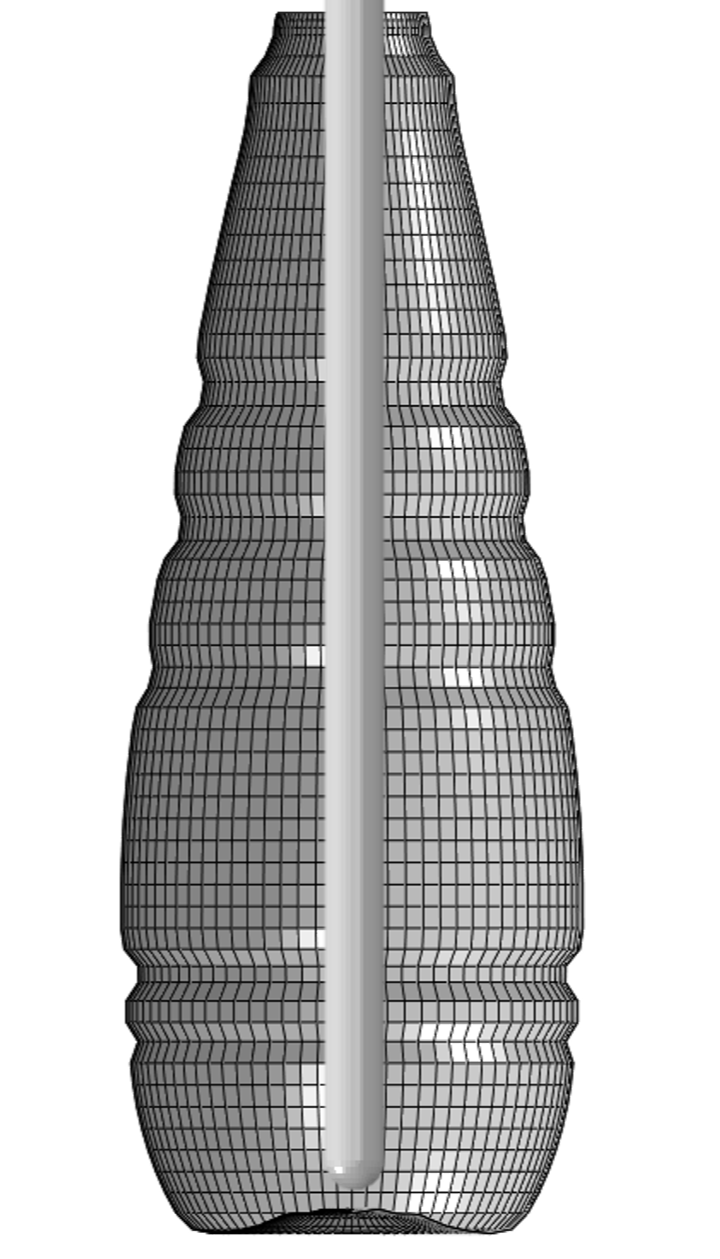
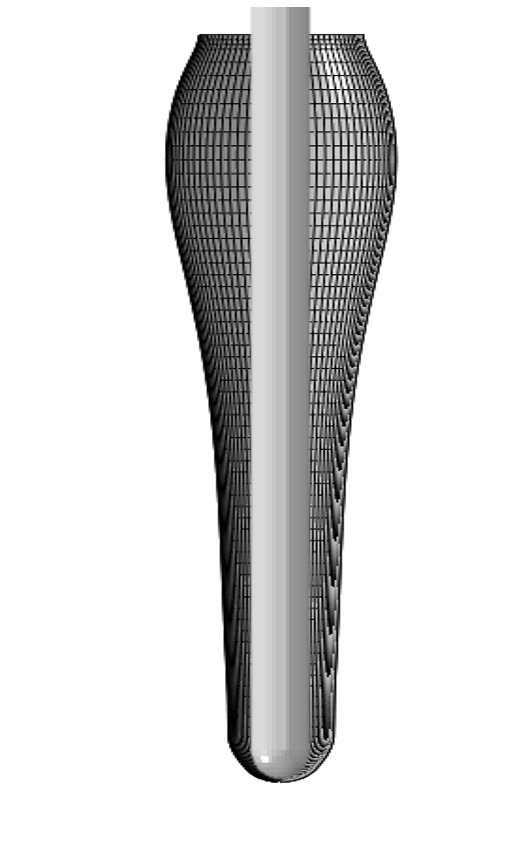
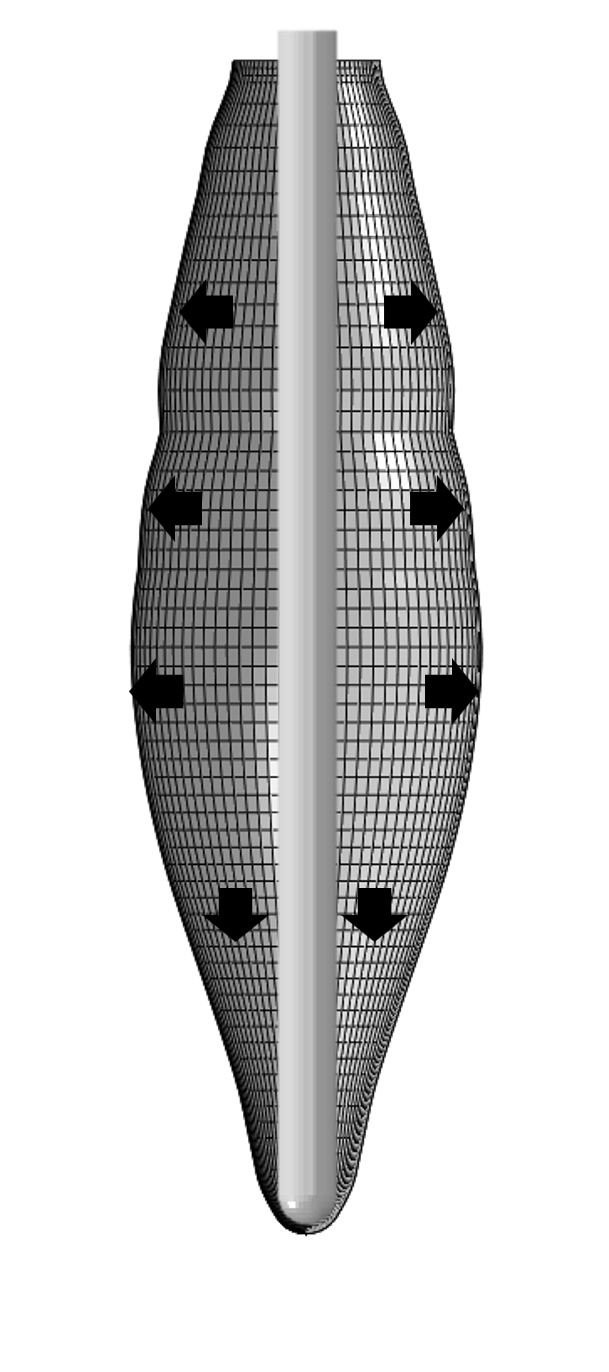
Import your preform and bottle geometry. Automated meshing builds axisymmetric or full 3D models, including preform-to-mould contact surfaces. No manual partitioning.
Process
Set mass flow rate, pressure settings, stretch rod speed and contact interactions with rod and mould. Use design of experiments (DOE) with a full factorial approach to see which blowing parameters matter.
Temperature
Define the initial preform temperature field using Bezier curves , including preferential heating profiles. Compare multiple temperature profiles in one study.
Material
Gain access to BMT’s material library and choose a calibrated PETmodel for your PET or rPET resin, built from digital image correlation on instrumented free-blow tests.
Results
Automatic post-processing extracts wall thickness, section weight, equivalent stretch ratio and modulus along the bottle, ready to compare across designs.
